
Google Ads Guide
Performance Max: one campaign, the entire Google inventory.
Performance Max (PMax for short) is a goal-based campaign type that uses AI to run Google's entire Search, YouTube, Display, Gmail, Discover and Maps inventory from a single campaign. You provide the conversion goal, the creative assets and the audience signals, and Google's model distributes your budget across channels in real time. This guide explains what PMax is, how it works and how to set it up correctly, step by step. At Rebel Co. Group we have managed the ad accounts of more than 300 brands across 15 industries over 7 years, and our Google Premier Partner team builds your PMax setup on the right foundation from day one.
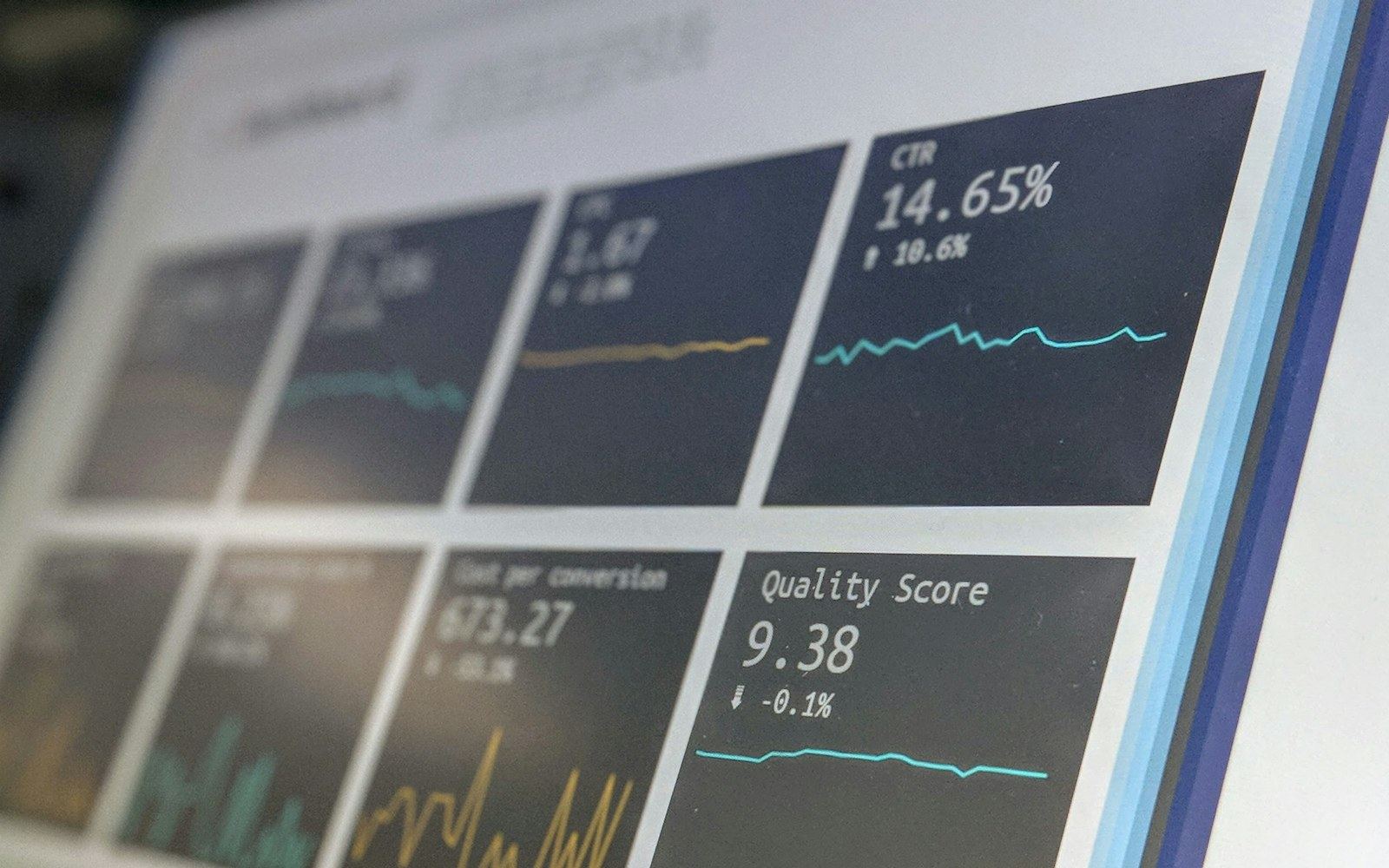
Short answer: Performance Max is a conversion-focused campaign type that uses AI to run all of Google's ad inventory from a single campaign. You set the goal, the budget and the creative assets, and the system automatically decides which ad to show to which person on which channel. Set up without accurate conversion tracking and strong creative, it spends money in the wrong places.
How PMax works
You set a goal, the model handles the rest.
In classic campaigns you manage channels, bids and placements one by one. In Performance Max, Google's machine learning distributes a single budget across Search, YouTube, Display, Gmail, Discover and Maps based on your conversion goal. That is why PMax is no longer a marginal option for Google. Industry data shows that Performance Max accounted for roughly 45 percent of all Google Ads conversions at the start of 2026. Digital Applied's 2026 PMax analysis and Google's official PMax documentation both make the same point: the strength of the campaign depends entirely on the quality of the signals you feed it. Give the model good data and it finds conversions even on channels that had not discovered you yet. Give it bad data and it quickly pours your budget into the wrong places.
- If conversion tracking is broken, the model optimizes for the wrong signal.
- A campaign launched with weak creative drifts toward cheap impressions and low-quality clicks.
- If brand searches are not excluded, PMax buys your own brand traffic.
- Frequent changes during the learning period keep restarting the campaign from scratch.
How to set it up
A correct PMax setup in five steps.
Short answer: a PMax setup starts with measurement, not with ads. Launching the campaign before preparing conversion tracking, creative and signals is like giving the model the wrong teacher. The order below speeds up learning.
-
01
Conversion Tracking and Goal
Mark actions such as purchases, form fills and calls separately, send their real values and choose the prioritized conversion. PMax optimizes for this signal, so badly configured tracking sends the right budget toward the wrong goal.
-
02
Asset Groups and Creative
Create one asset group per audience theme. Fill in headlines, descriptions, images, logos and video completely. The more creative variety you provide, the more inventory and the higher-quality placements PMax can win.
-
03
Audience Signals
Use audience signals to define your initial audience, your Customer Match lists and your search themes. This is not a targeting lock but a starting hint that speeds up learning. A good signal shortens the learning period.
-
04
Budget and Bidding Strategy
Keep your daily budget at least 10 to 20 times your target cost per acquisition. Let the campaign learn with Maximize Conversions first, then switch to target ROAS or target CPA as data builds up. Do not raise the target all at once.
-
05
Measurement and Optimization
The first two to three weeks are the learning period, so do not touch it often. After that, read the asset report, search term and channel insights, refresh weak creative and apply brand and irrelevant placement exclusions.
PMax components
Six building blocks that keep the campaign running.
Asset Groups
The creative heart of PMax. Each asset group represents one audience theme and consists of headlines, descriptions, images, logos and video. Splitting groups by product or service makes reporting and optimization much clearer.
Audience Signals
Audience signals are a starting hint that tells the model who to look for. They are not strict targeting, and the system can go beyond the signal to find similar audiences. A well-defined signal shortens the learning period and improves accuracy.
Customer Match
By uploading your own customer lists, you reach existing buyers and audiences similar to them. Feeding loyal customers and high-value segments in as signals noticeably improves how accurately PMax finds new customers.
Brand Safety and Exclusions
With account-level brand exclusion lists, content suitability settings and placement blocks, you limit where your ads will not appear. Excluding brand searches makes sure your budget actually goes to new demand.
Search Themes
Search themes are an optional signal that tells the model which search intents you want to appear for. They are not as strict as keyword targeting, but they are valuable for steering learning toward the right intent in a new campaign.
AI Max and the Search Layer
Google is rolling out AI Max features on the Search side, and PMax shares the same AI infrastructure. When you plan the two together, give each a clear job: Search for high-intent queries, PMax for broad discovery. Do not mix the signals.
PMax vs. classic campaigns
Automation or control? Both.
| Topic | Performance Max | Classic Search and Shopping |
|---|---|---|
| Channel | All Google inventory in one campaign | Single channel, managed separately |
| Control | You provide signals, the model decides | Full control over keywords and bids |
| Targeting | Audience signals and search themes | Keywords and match types |
| Transparency | Limited channel breakdown, summary level | Detailed search terms and placements |
| Where it works best | Discovery and scale across the inventory | High-intent, specific searches |
| Learning | Needs more data and patience | Faster to read and adjust |
The table shows that these are not rivals but complements. For most brands the right setup is to run both together: Search for clear-intent queries and PMax for broad discovery. If you want to know where your ad budget goes, our article on Google Ads costs explains the breakdown of channel and cost per click.
Its limits
Why does PMax struggle in B2B?
Short answer: PMax feeds on conversion volume, not on long sales cycles. In B2B, monthly conversions are few, sales cycles are long and real revenue often arrives weeks after the ad click. The model struggles to read this delayed and sparse signal, some form submissions never become real opportunities, and the campaign can end up optimizing for the wrong goal. That is why, for niche B2B businesses, it is healthier to use a classic Search campaign as the base for high-intent queries and add PMax as a discovery layer, instead of relying on PMax alone. If you can feed qualified lead signals back (for example offline conversions from your CRM), PMax becomes noticeably more accurate in B2B.
Practical note
How to set up a 50/50 experiment
- Do not add PMax blindly to your existing setup. Decide based on evidence.
- Split traffic 50/50 with the Google Ads experiments tool.
- Run your existing campaigns in one arm and the setup with PMax added in the other.
- Run the experiment for at least four to six weeks, including the learning period.
- Compare the difference in total conversions, CPA and real revenue, then scale.
Frequently asked questions
About Performance Max.
Who is Performance Max a good fit for?
PMax suits businesses that have a clear conversion goal and can build up enough conversion volume. E-commerce and local service brands see results fastest. For niche B2B businesses with very few monthly conversions and long sales cycles, PMax on its own usually does not perform as accurately as classic Search, so a hybrid setup is the better choice.
What should the minimum budget for Performance Max be?
There is no fixed floor, but the practical rule is to keep your daily budget at least 10 to 20 times your target cost per acquisition. Even if your target CPA is low, you need a budget that lets the campaign see several conversions a day during the learning period. A budget that is too low stretches out learning and blurs the results.
How long does Performance Max take to learn?
The learning period is usually the first two to three weeks, and performance fluctuates during that time. Making frequent changes to budget, bids and asset groups in this phase resets learning. For a stable read, you usually need to wait four to six weeks.
How do you increase Performance Max ROAS?
There are several levers that raise ROAS: sending accurate conversion values, using value-based bidding based on product price and margin, refreshing creative regularly, separating brand traffic to measure true new customer value and simplifying underperforming asset groups. Do not raise your target ROAS all at once. Increase it gradually.
Does Performance Max replace my classic Search campaign?
Not necessarily. In the same account, a classic Search campaign takes priority for exact-match brand and high-intent keywords, and PMax does not compete on those terms. For most brands the healthiest setup is to run both together: Search for clear-intent queries and PMax for broad inventory and discovery.
What does Performance Max reporting not show?
PMax does not show spend and conversion breakdowns by channel as transparently as classic campaigns. Search term data is limited, and placement and channel distribution are shown only at summary level. The Insights tab, the asset report and script-based solutions close part of this gap, but do not expect full channel transparency.
How do you protect brand safety with Performance Max?
With account-level brand exclusion lists, content suitability settings and placement exclusions, you limit where your brand appears. By also excluding brand searches from PMax, you make sure your budget actually goes to new demand. These settings are managed in account settings, not during campaign setup.
If you are torn between Google and Meta: Meta Ads or Google Ads?
Base PMax on method, not luck
Performance Max is a powerful campaign type, but it is not an autopilot. A winning setup is built on clean conversion tracking, strong and regularly refreshed creative, the right audience signals and disciplined exclusions. A PMax campaign built on the wrong foundation quickly pours your budget into brand traffic and low-quality placements, while a correctly built one finds new customers on channels that had not discovered you yet.
If you want us to manage this end to end, our performance marketing service takes over the whole process, from PMax setup to monthly optimization. Before you plan your budget, our articles on Google Ads management fees and Google Ads costs help set realistic expectations. If your decision is between Meta and Google, our comparison Meta Ads or Google Ads shows you the way.
When left unchecked, Performance Max is the campaign type that burns through budget fastest. You can see how we run the whole setup, from brand exclusions to asset groups, on our Google Ads agency page.
Read before you decide
- Performance marketing agency: PMax and every ad channel under one roof
- Google Ads costs: clicks, channels and budget breakdown
- Google Ads management fees: what an agency charges and what it does
- Meta Ads or Google Ads: which one fits your business
Last updated: July 2026
Is PMax spending your budget in the right place?
In a free Google Ads audit we review your current campaigns, your conversion tracking and your PMax setup, and show you in numbers where your budget is leaking. No commitment.
Request a Free Google Ads Audit